Documentation IndexFetch the complete documentation index at: /llms.txtUse this file to discover all available pages before exploring further.
Fetch the complete documentation index at: /llms.txt
Use this file to discover all available pages before exploring further.
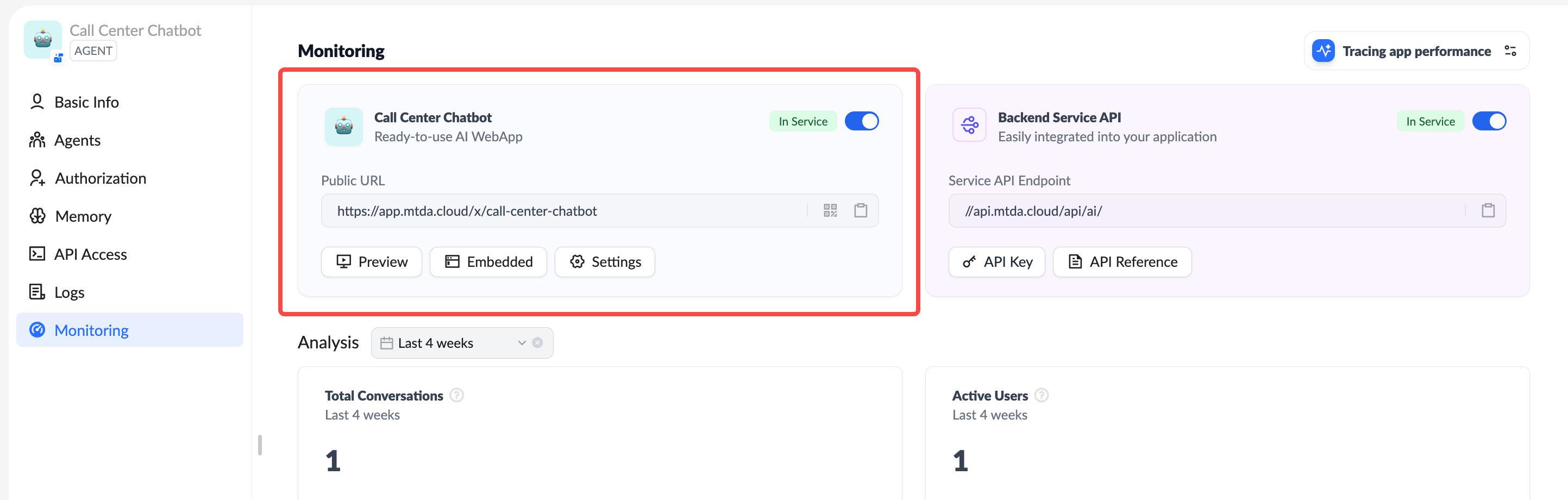
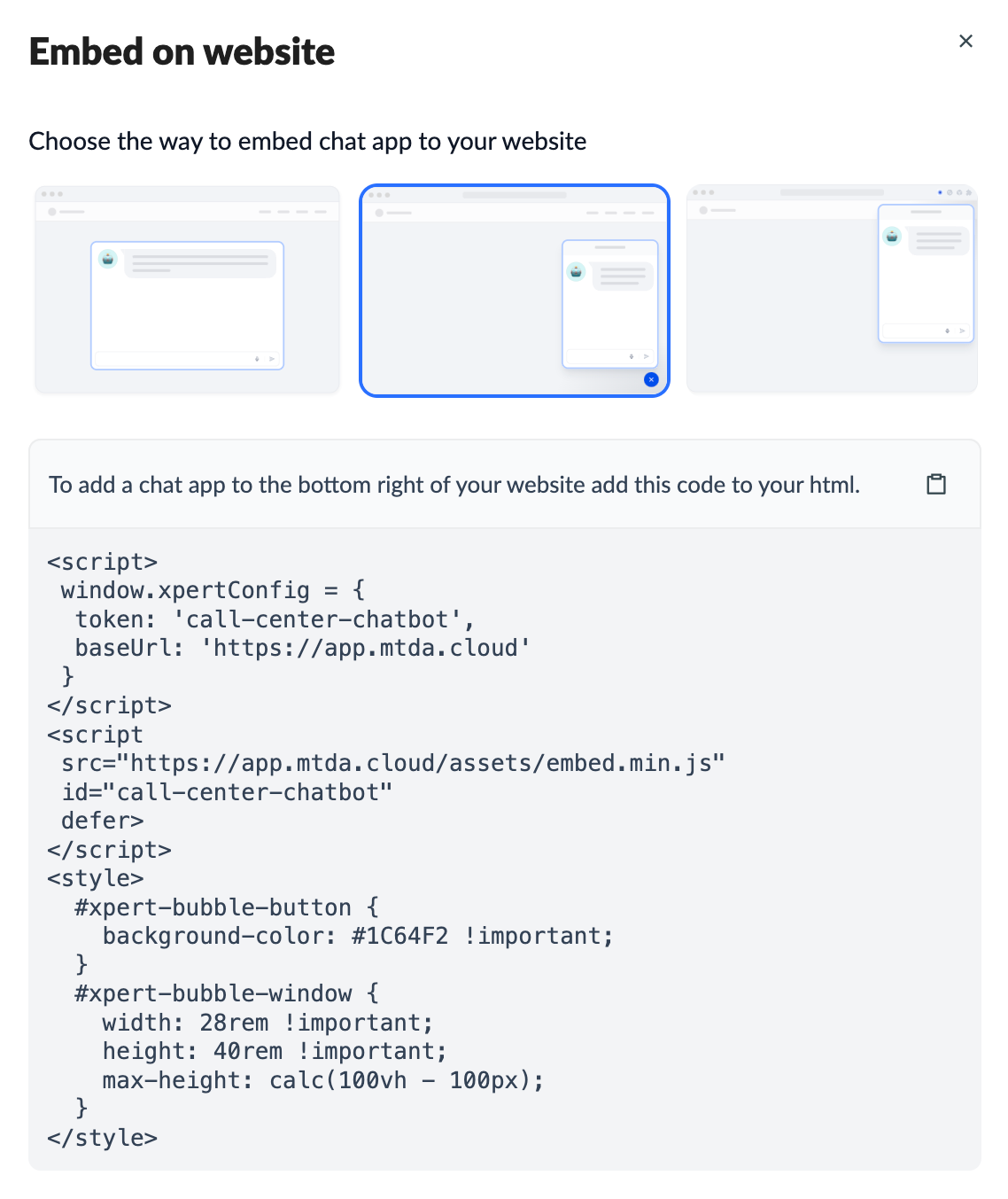
<iframe
  src="https://app.xpertai.cn/x/call-center-chatbot"
  style="width: 100%; height: 100%; min-height: 700px"
  frameborder="0"
  allow="microphone">
</iframe>